Log in as a Student
This feature is available upon request. To enable Log in as a Student for your account, please contact our Support team at support@talkabroad.com.
The Log in as a Student feature allows instructors to temporarily access a student's account to view upcoming conversations, manage reservations, and check available credits.
How to log in as a student
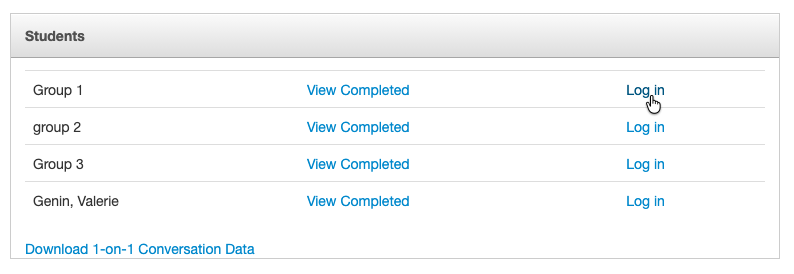
- Navigate to your course roster.
- Locate the student you would like to access.
- Click Log in next to the student's name.
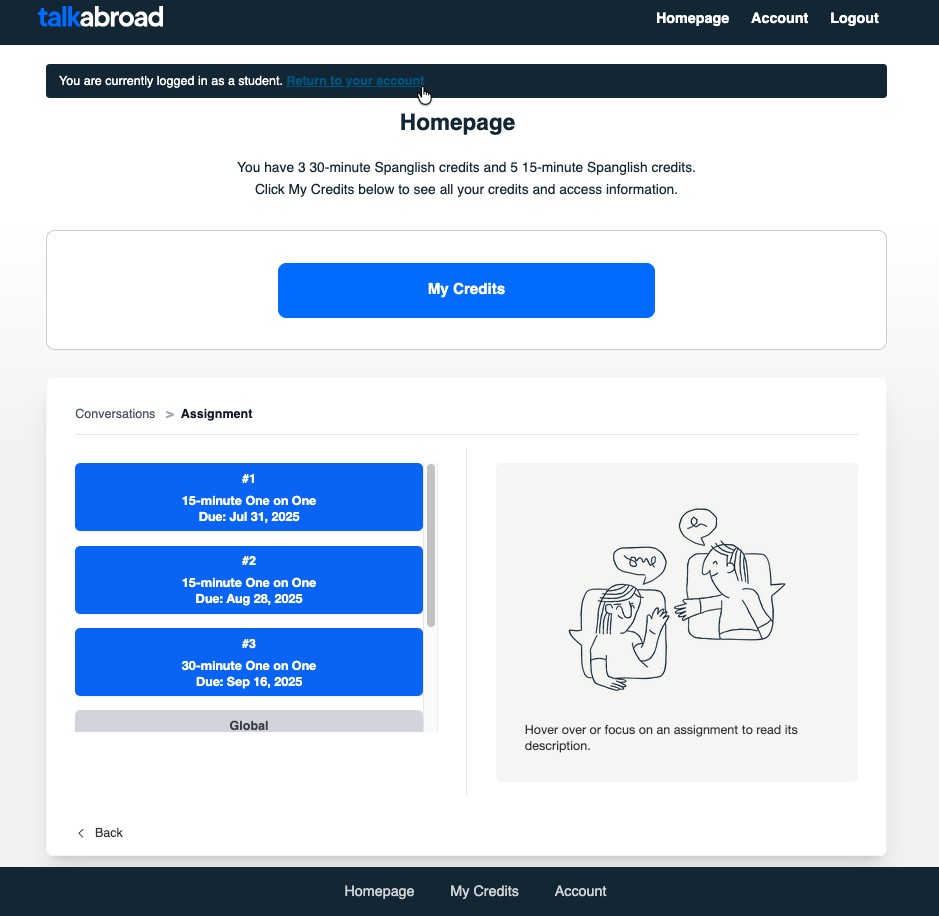
- You will be taken directly to the student's account.
While logged in as the student, you can:
- Create, modify, or cancel bookings.
- View upcoming conversations.
- Check the student's available conversation credits.
- Review assignments and account information.
- Help troubleshoot issues reported by the student.
⚠️ Important: Any actions you take while logged in as the student will be applied to the student's account.
When you are finished, use the Return to your account at the top of the page to return to your teacher account.