
📼 Where can I find my old recordings?
To access your old recordings, follow these steps:
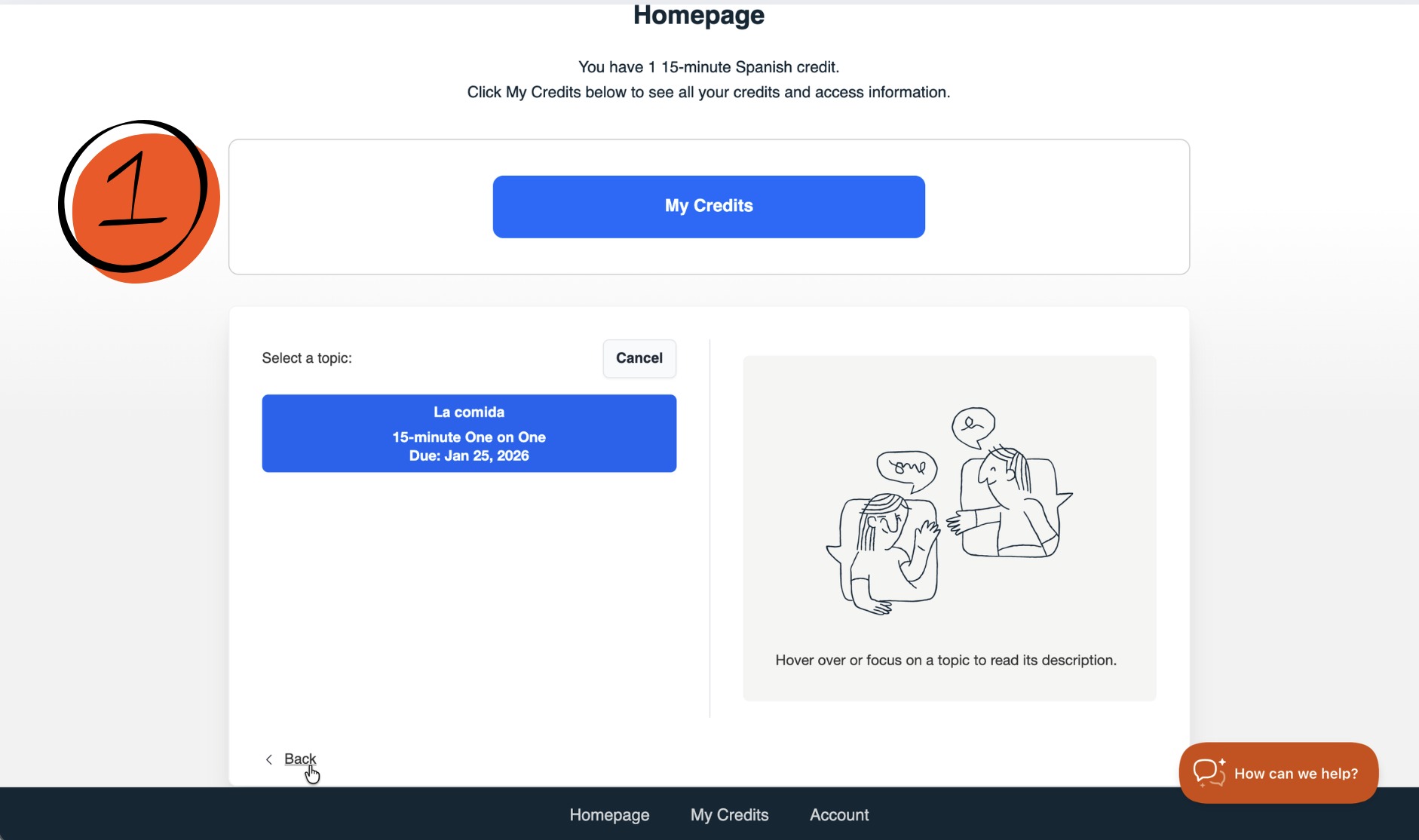
- Click Back at the bottom of the screen.
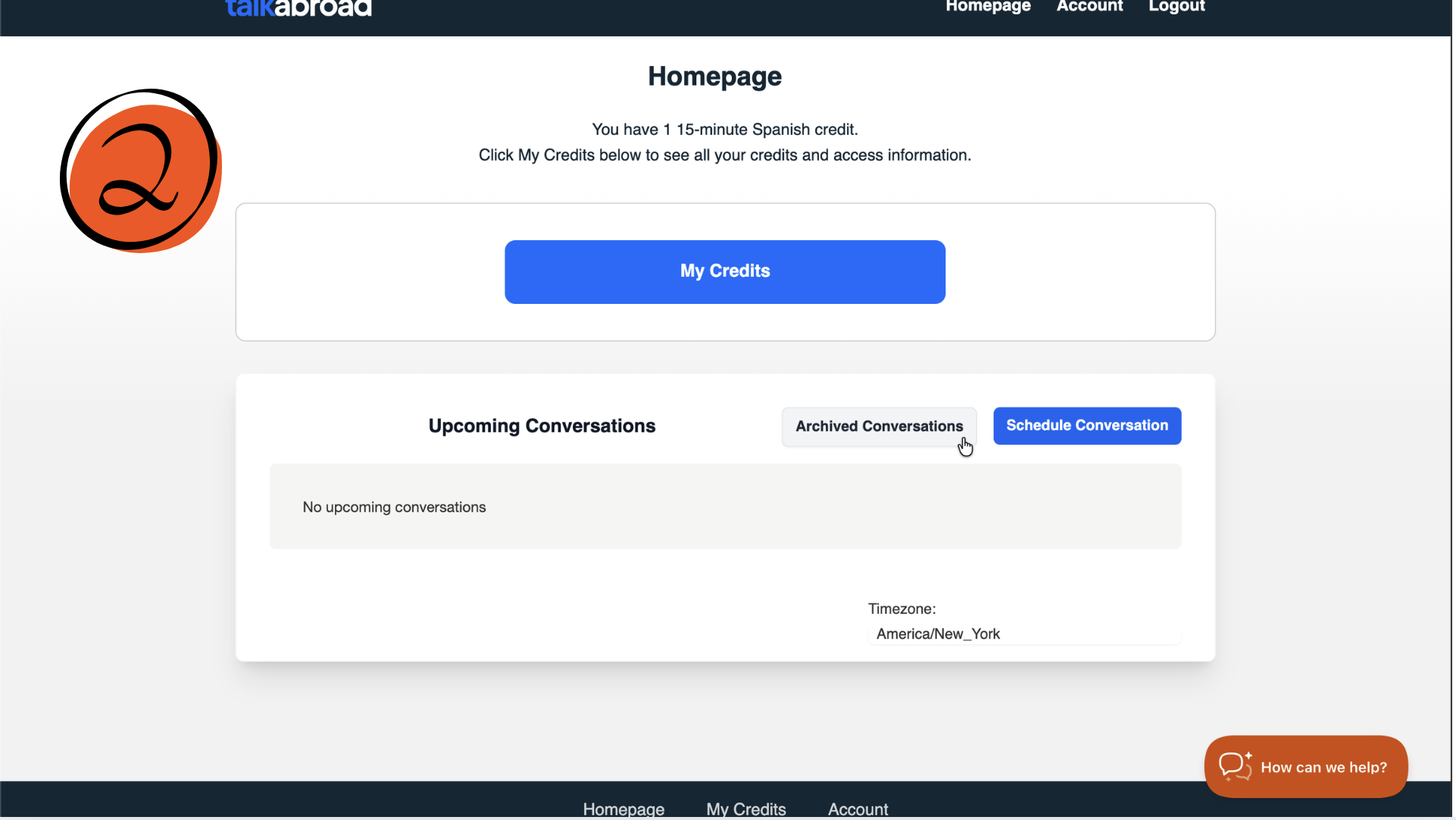
- Select Archived Conversations.
- Open the conversation to view your recording with your conversation partner.
Downloading and Watching your recording
- To download the recording (video or audio), right-click on the player controls and save it to your computer.
- If you’re using Google Chrome, you can slow down the video by clicking the three dots in the lower-right corner of the player and adjusting the playback speed.
How long are recordings available?
-
Audio recordings are available through the website for 18 months. After 18 months, they may be available by request, with a typical waiting period of 7 days.
Video recordings are available through the website for 150 days. After 150 days, video recordings are no longer available.
⚠️ Please note:
Unlike 1-on-1 conversations, Conversation Table recordings are not available to students for viewing or download. Because these sessions include multiple participants, recordings are not provided to individual students to protect participants’ privacy.